In short. A refurbished server pays off for fleet expansion, test environments, cold standby and branch offices, but not for production with expensive downtime or projects over five years. Check support dates: HPE ProLiant Gen10 sales ended in late 2024, support runs until 2028–2029. VMware charges a minimum of 16 cores per processor, so an old server with 8-core CPUs costs as much in licences as a new one with 32-core CPUs yet does far less work.
A server with identical specifications can cost half as much if it is not new. The appeal is obvious, and in many cases it is a sensible purchase. The problem is that the decision is usually made on one number, the price, while three others are ignored: until what year the vendor will support the model, what licences for its cores will cost, and how much electricity it will burn over five years. Let us see when the savings are real and when they are an illusion.
Three different things under one word
Factory refurbished. The equipment has been inspected and restored by the vendor or an authorised partner and carries a new warranty, usually one year or more. This is the most predictable option: there is someone to hold accountable, and the hardware history is known.
Used equipment from a system integrator. Hardware decommissioned by a known customer, tested, often with consumables replaced: fans, RAID controller batteries, sometimes drives. The warranty comes from the seller, not the vendor, so read its terms carefully: duration, what exactly is covered, and whether replacement units are available.
Second-hand from a private seller. A marketplace listing, "everything works, tested". Here you are buying a lottery ticket rather than a server: operating conditions, remaining drive life and firmware history are all unknown. Acceptable for a test bench, not for anything the company depends on.
The main question: until what year will it be supported
Every server platform has two dates. The first is End of Life, when sales stop. The second is End of Service Life, after which the vendor stops releasing microcode updates and security patches and no longer sells service contracts. The second usually comes about five years after the first.
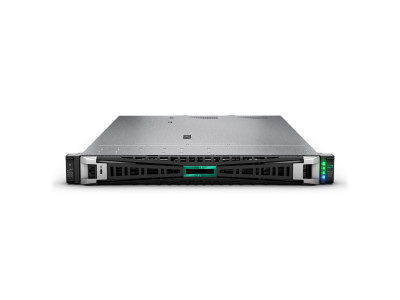
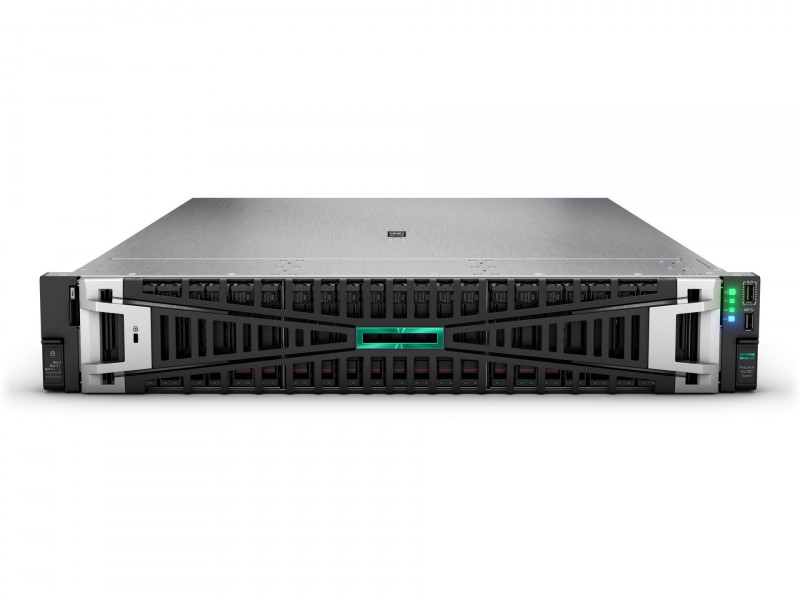
A practical reference point: HPE ProLiant Gen10 reached end of sales at the end of 2024, and support runs until 2028–2029 depending on the model. A refurbished Gen10 bought today still has several years of normal life with updates. Platforms one generation older may run out of support within a year or two, leaving the server unpatched, even though vulnerabilities in microcode and BMC firmware are found regularly.
The exact dates for a specific model are always published on the vendor's website, and they must be checked before the purchase, not after.
What to check before buying
- Serial number and warranty status. Both HPE and Dell let you check the warranty by serial number on their portals in a minute. How this works is covered in our article on HPE and Dell warranty and support. If the seller will not share the serial number before payment, that is your answer.
- Completeness. Rails, cable management arm, bay blanks, power cords, drive caddies: all of these are bought separately and quietly add a noticeable sum to the budget. A server without caddies means no drives until the parcel arrives.
- Management licences. HPE iLO Advanced and Dell iDRAC Enterprise are paid options. Without them there is no remote console, no virtual media and only part of the telemetry, so the machine has to be administered physically.
- Drive condition. Check power-on hours and SMART counters, and for SSDs the consumed write endurance. In a used server the drives are often the first component to fail.
- Power supplies and controller battery. The RAID controller cache battery has its own service life; a depleted one turns a fast write cache into a disabled one.
Hidden costs that erode the savings
Licences are counted per core, not per year of server age. This is the most underestimated item. Since VMware moved to subscriptions, a minimum of 16 cores per processor applies. The 72-core minimum order introduced in April 2025 was withdrawn by Broadcom after the market's reaction; as of September 2026 only the 16-core-per-processor minimum remains. An old two-socket server with 8-core processors therefore costs exactly as much in licences as a modern one with 32-core processors, yet does several times less useful work. More in our article on choosing processors for virtualisation.
Electricity and cooling. The gap in energy efficiency between generations is substantial: what used to take three servers is done by one today. Over five years the electricity bill and the load on air conditioning can eat up the entire price difference.
The cost of downtime. Count not the price of the server but the price of an hour when it is down. If that hour is expensive and a spare part takes a week to arrive, the savings on the purchase turn into a loss after a single incident.
When a refurbished server is the right choice
Expanding an existing fleet: adding an identical node to a running cluster is cheaper and simpler than introducing a new platform with different drivers and firmware. Test and training environments, where functional compatibility with production matters more than performance. Cold standby, a machine waiting its turn in case the primary fails. A branch office or warehouse with undemanding workloads: file services, a domain controller, video surveillance.
When not to buy one
Production workloads where downtime is expensive: these need a vendor service contract with a guaranteed response time, and none can be arranged for hardware that is out of support. Projects with a horizon of five years or more: the platform will leave support before it pays for itself. New types of workloads such as accelerators, NVMe or DDR5 memory: the older generation simply cannot handle them, and no upgrade will fix that.
How to do the maths honestly
Add up the hardware price, licences for the required number of cores, support for the whole operating period and an estimate of power consumption over the same years. Then do the same for a new server, remembering that it will need fewer nodes for the same useful load. The gap in the final total is often far smaller than the gap on the price tag, and sometimes the new option comes out cheaper.
For help with this calculation and with choosing a configuration, contact us. Our catalogue includes both current generations and proven platforms from previous years: HPE ProLiant, Dell PowerEdge, and the full range under Servers.
Which workloads tolerate refurbished hardware and which do not, and how much Gen10 actually saves against Gen11 on our price list — in new or refurbished server: where the saving is justified.
Related guides and tools: Dell PowerEdge, HPE ProLiant Gen11, Server configurator.
Questions and answers
Can vendor support be arranged for a used server?
Sometimes, yes: vendors have programmes for putting equipment under contract after an inspection, but this is paid, and no contract will be issued at all for hardware past the platform's end of service life. Check before buying, using the specific serial number.
How much cheaper is refurbished equipment?
The range is wide and depends on generation, condition and configuration, so figures can only be given for a specific unit. Focus not on the discount percentage but on the total cost of ownership over the planned operating period.
What if the server has already been bought second-hand?
Check the warranty status by serial number, update the microcode and BMC firmware to the latest available versions, read the SMART data from all drives and replace those nearing the end of their life, and check the RAID controller battery. Also stock spare components: for hardware without support, your own parts inventory is the only way to recover quickly.