In short. An ordinary firewall is enough for a company with no public services, no remote staff and no personal data processing; an NGFW becomes necessary once services are published to the internet, branches appear or a regulator sets requirements. An NGFW recognises applications instead of ports and adds IPS, antivirus, user-based policy and TLS inspection, which cuts the throughput of entry-level models several times over. The laws ZRU-547 on personal data and ZRU-764 on cybersecurity do not demand an NGFW as such — they demand segmentation and logging. Since March 2026 localisation is mandatory only for biometric and genetic data and for telecom subscriber data.
The classic firewall solved a problem formulated thirty years ago: pass traffic by address and port. Today almost everything an employee does online runs over port 443 and is encrypted — corporate mail, a personal messenger and a cloud file share alike. To a rule that says "allow tcp/443" these are one and the same flow. That is where the NGFW class came from: a device that looks at the application, the content and the reputation rather than the port. Here is how it differs in practice, what it costs, and how it maps to the requirements of Uzbek law.
Where the classic firewall ends
A packet filter and a stateful firewall work at layers 3 and 4: source address, destination address, protocol, port, connection state. That is enough to separate networks and close the perimeter to direct connections. But this model has blind spots that today cover the whole of the real risk.
First, the application is not defined by the port. A corporate portal, an anonymous VPN client and an encrypted torrent client all speak over 443. Second, content is not inspected: a malicious file downloaded over HTTPS looks no different from a Windows update to a layer 4 filter. Third, there is no user context — a rule binds to an IP address rather than to a domain account, so in an environment with DHCP and mobile devices the policy quickly loses meaning.
What an NGFW adds
Application recognition. The device identifies applications by signature and traffic behaviour rather than by port number, which allows policy to be written in business terms: allow corporate file exchange, block public file sharing, cap bandwidth for video services.
Intrusion prevention (IPS). Packet content is checked for signs of known exploit attempts and blocked before it reaches the vulnerable server. This is critical for services published to the internet when an application update cannot be installed immediately — IPS works as a virtual patch.
Antivirus and web filtering. Downloaded files are scanned at the gateway and site categories and known malicious domains are blocked. It does not replace endpoint protection, but it removes the bulk of commodity threats at the entrance.
User identification. Integration with Active Directory or LDAP means a policy is written for the "Finance" group rather than for a subnet, and logs show an account instead of only an address.
Encrypted traffic inspection. Without it every mechanism above sees only the shell of a connection. An NGFW decrypts the session, inspects the content and re-encrypts it; for that the device runs its own certificate authority whose certificate is distributed to workstations through group policy.
The price of inspection: the practical catch
This is where model selection goes wrong most often. Every vendor's specification lists several throughput figures, and they differ by multiples: firewall throughput in clean mode, throughput with threat protection enabled and, separately, throughput with TLS inspection. Decryption is the heaviest operation, and on entry-level models it can cut real performance several times below the headline firewall number.
Hence the sizing rule: work from the row with threat protection enabled, and if encrypted traffic inspection is planned, from the corresponding figure — with headroom. A device chosen by the attractive number in the first row hits its ceiling in the first month after all subscriptions are switched on. A detailed model-by-model comparison is in a separate article, how to choose a FortiGate, and a breakdown by office size sits in the FortiGate by headcount guide.
What Uzbek law requires
No law says "install an NGFW" — regulation speaks about outcomes, not about device classes. But the set of requirements determines what you will have to demonstrate during an inspection. Below is the position as of September 2026; it is a guide rather than a legal opinion, and exact wording should be read in the primary sources.
Personal data. The base document is the Law of the Republic of Uzbekistan "On personal data" No. ZRU-547 of 2 July 2019. It introduces the concepts of data owner and operator, the duty to process data in a registered database and the requirement to protect data at every stage of processing.
Localisation: the rules were relaxed in March 2026. Article 27-1 previously required personal data of Uzbek citizens to be stored on technical facilities physically located in the country. Law No. ZRU-1125 of 26 March 2026 restated that article: mandatory in-country storage now covers a closed list of categories — biometric and genetic data and the data of telecom subscribers. Other personal data may be processed abroad, with the list of such countries set by the Cabinet of Ministers. For business this means cloud services and foreign platforms are no longer an automatic breach — while the duty to protect data and register databases remains fully in force.
Cybersecurity and critical infrastructure. The Law "On cybersecurity" No. ZRU-764 of 15 April 2022 introduces the notion of critical information infrastructure facilities and the duties attached to them. If an organisation falls into that category — a bank, a telecom operator, energy, the public sector — then network segmentation, logging and incident response become subjects of inspection rather than internal IT matters.
What that means for network hardware in practice: segmentation is required, separating the data segment from the general office network; controlled outbound access with logging is required; log retention long enough to investigate an incident is required; managed remote access is required instead of RDP exposed to the internet. Those are exactly the functions NGFW firewalls are bought for.
When an ordinary firewall is enough
The honest answer is that sometimes it is. If a company publishes no services, all outbound access runs through a provider link with basic filtering and data never leaves a single office server, a router with a decent packet filter covers the job. Moving to an NGFW starts to make sense once at least one condition appears: services published to the internet, remote staff, processing of customer personal data, requirements from a regulator or a counterparty, or branches with inter-office links.
A separate category is companies that need sound link management more than security features: two lines from different providers, automatic failover, priority for telephony and video conferencing. That job is covered by the SD-WAN built into modern NGFWs — and it is often the decisive argument for replacing an old router.
What is bought alongside the device
Project cost is not only hardware. Practically every protection feature runs on a subscription: without current subscriptions for IPS signatures, antivirus databases and web filtering categories the device keeps working as an ordinary firewall but stops seeing new threats. Plan the subscription for the service life from the outset — three or five years.
The second item is logging. Internal storage lasts days, while investigating an incident and meeting retention requirements needs an external log collector or a central management system. The third is redundancy: where link downtime is unacceptable, devices are deployed as a high-availability pair, which doubles the hardware cost.
The fourth, remembered last, is training or a support contract. An NGFW with badly written policies gives a false sense of security: a rule that allows all outbound traffic works exactly the same on an expensive appliance as on a cheap router.
A checklist before purchase
Measure the real bandwidth — peak link utilisation, not the provider's headline tariff. Decide whether encrypted traffic inspection is needed and size the model against the matching specification row. Budget subscriptions for the whole service life, not for the first year. Settle log retention before deployment rather than after the first incident. Check who will operate the device and how: writing policy is a continuous process, not a one-off task at installation.
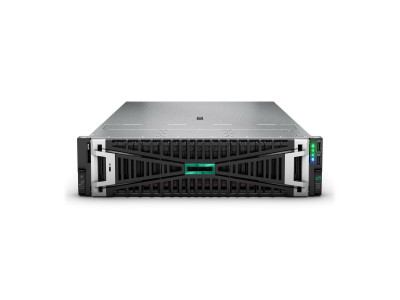
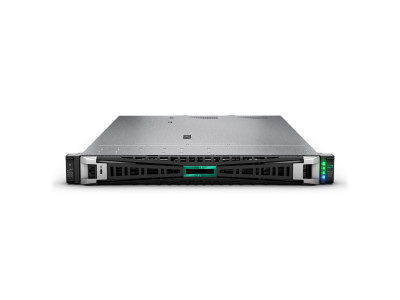
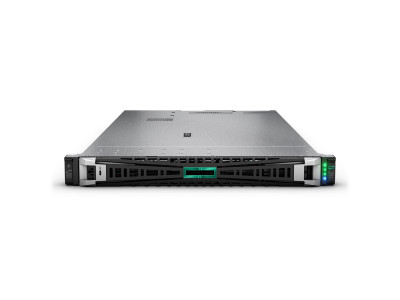
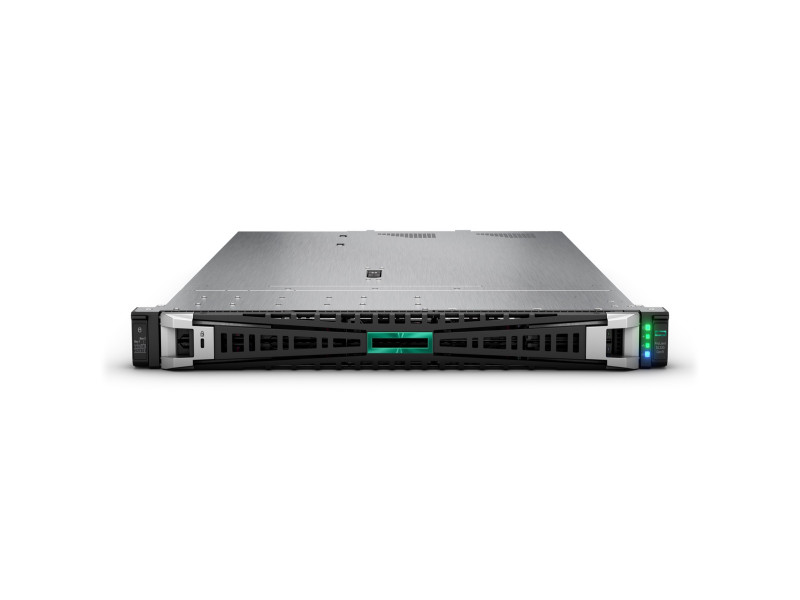
Available models with specifications are in the NGFW firewalls section, including the FortiGate 60F for a small office and the FortiGate 200F for a busy perimeter. The network side of the project — switches and access points — is easier to size together with the firewall, so that segmentation policy works from the port to the internet edge. For a configuration matched to your infrastructure, get in touch.
Questions and answers
Is HTTPS inspection mandatory?
Technically no, the device works without it. But without decryption the antivirus and web filter see only the destination address while the content goes unchecked. The usual compromise is to inspect general web traffic while excluding categories where inspection is inappropriate or prohibited by company policy — banking services, medical and government portals.
Can rules be migrated from the old firewall?
Mechanically, in part: most vendors provide configuration converters. But carrying the whole old rule set across is usually harmful, because it accumulates permissions whose reasons nobody remembers. A migration is a good moment to rebuild the policy from default deny and keep only what is genuinely used.
What happens when the subscriptions expire?
The device does not switch off or block traffic — it keeps working as a firewall with the databases it already holds, which stop updating. In practice that means protection against new threats lapses within a few weeks. Renewals are best planned in advance: with some vendors reinstating an expired subscription costs more than renewing continuously.